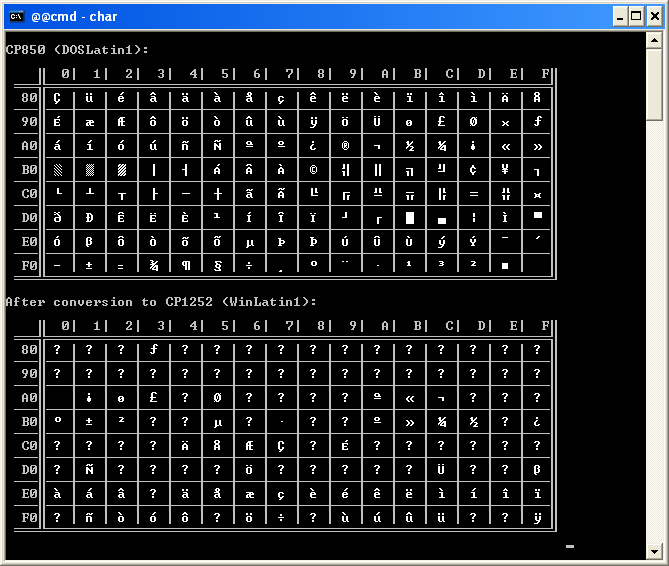
The module Win32::Console::ANSI (former Win32::ANSIConsole) emulate an ANSI
console for the script which uses it.
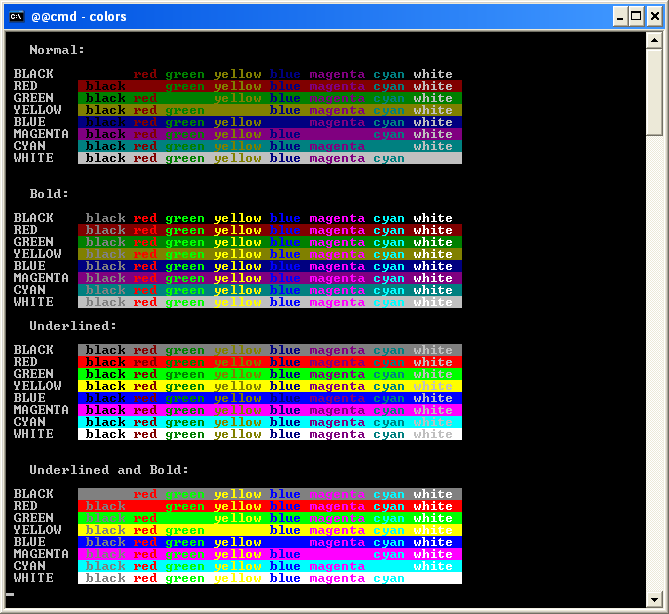
See the doc for the supported escape sequences:
Console::ANSI doc
For comparison and additional information, see : Microsoft GlobalDev site.
\e(#X where # is the code page needed. (It's not a
standard escape sequence!) It is then possible to change the code page when
one wants :
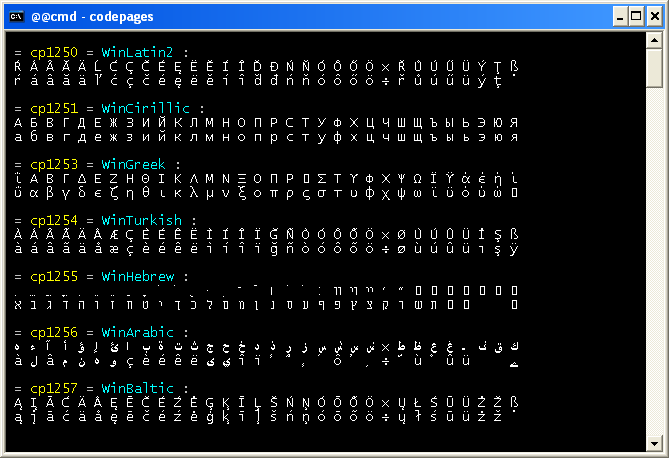
Note: you can change the console code page with the DOS command
chcp. (Don't forget: this command is efficient only if the
police in use is an Unicode police.)
Type help chcp in the console for more info.
The available code pages are under the Register key :
HKEY_LOCAL_MACHINE\SYSTEM\CurrentControlSet\Control\Nls\CodePage
Current version is 1.09
The module was rewritten in C.
By hooking the WriteFile API function in all the modules loaded by the
script, it is possible to interpret the escape sequences just before they
are written in the console. There is no perturbance with Perl or your script.
This suppresses several previous versions limitations:
The module is in my ppm repository for 32 bit Perl and in my ppm repository for 64 bit Perl.
If you are using ActiveState's Perl distribution
(Perl 5.6, 5.8, 5.10, 5.12, 5.14, 5.16, 5.18, 5.20, 5.22), the easiest way to install
this module is to use ppm. Enter (or cut & paste) this command in a DOS console:
for 32 bit perl:
ppm install http://www.bribes.org/perl/ppm/Win32-Console-ANSI.ppd
for 64 bit perl:
ppm install http://www.bribes.org/perl/ppm64/Win32-Console-ANSI.ppd
The documentation, in html format, is at its usual location.
If you want, you can download the source file here:
Win32-Console-ANSI-1.09.tar.gz
or from the
CPAN
To install the module, read the README file.
Note: In recent ActivePerl and Strawberry Perl distributions this module is included, so it is not necessary to install it!
Jason Hood wrote a program
ANSICON
that provides ANSI escape sequence recognition for Windows console programs.Rob Hagemans wrote ANSI|pipe a small utility that provides support for ANSI escape sequences and UTF-8 on Windows.
From the PerlMonks site, some JAPH using Win32::Console::ANSI:
![[Validation HTML 4.0!]](vh401.gif)
